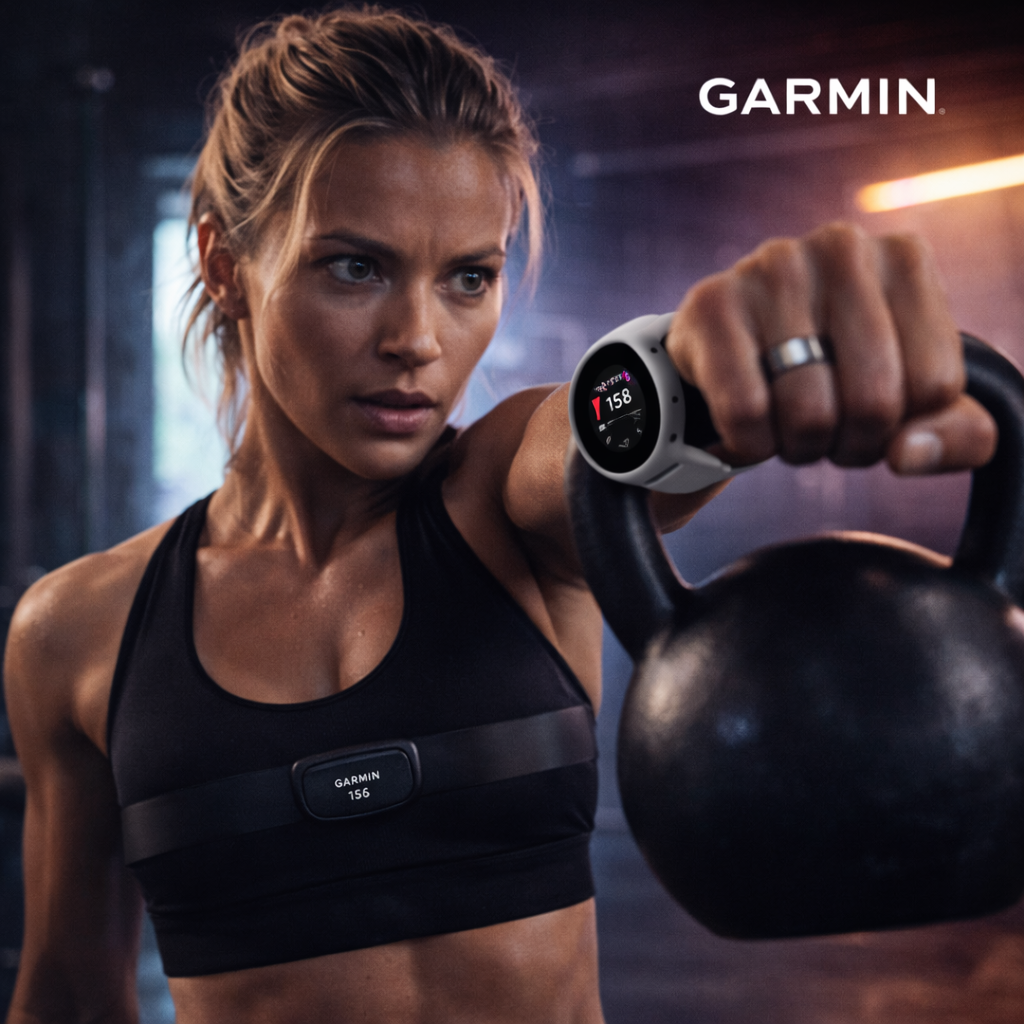
Garmin
GPS multisport watches that capture heart rate, training load, VO2 max, sleep, and detailed activity stats.
Get started
Oura Ring
Smart ring that tracks sleep stages, recovery, temperature trends, and readiness to help pace your day.
Get started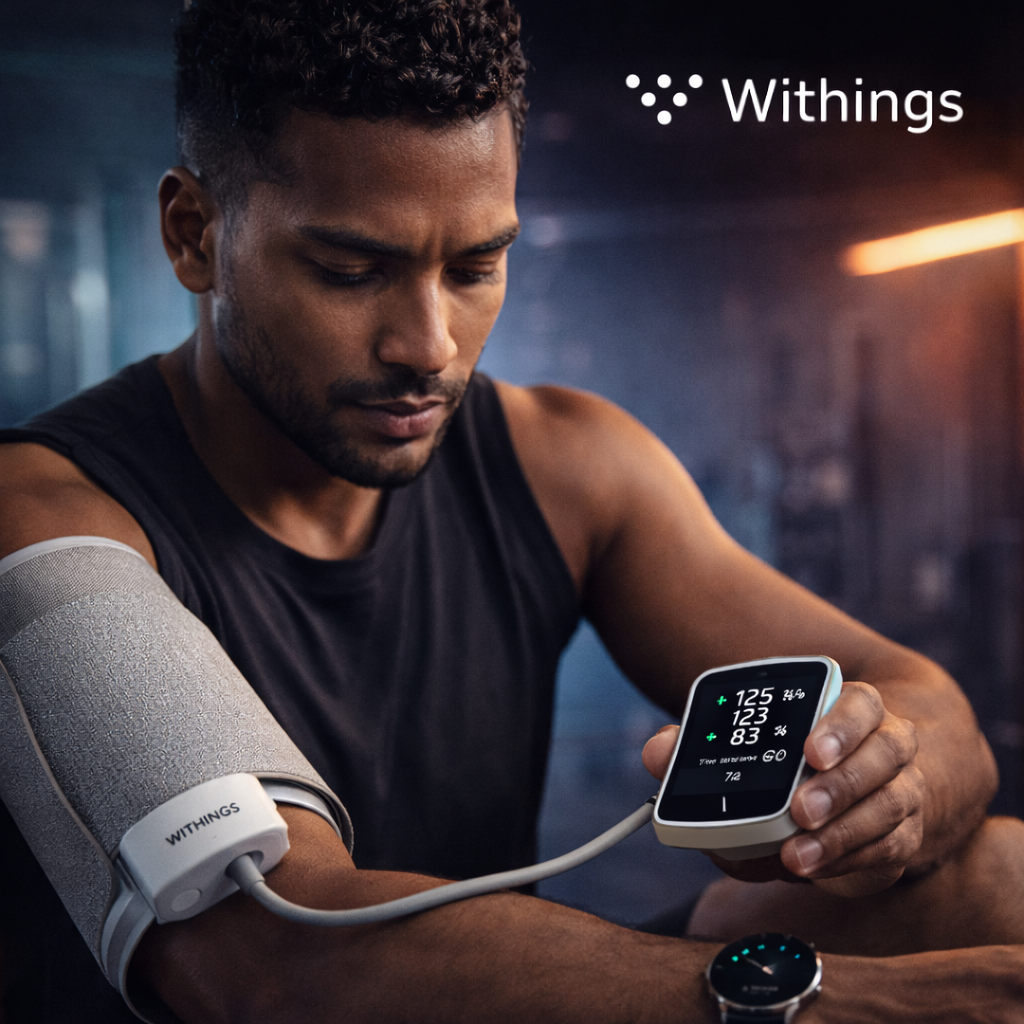
Withings
Connected scales and blood pressure devices for weight, body composition, and heart health insights.
Get started
Fitbit
Everyday fitness trackers for steps, sleep quality, heart rate, and activity minutes.
Get started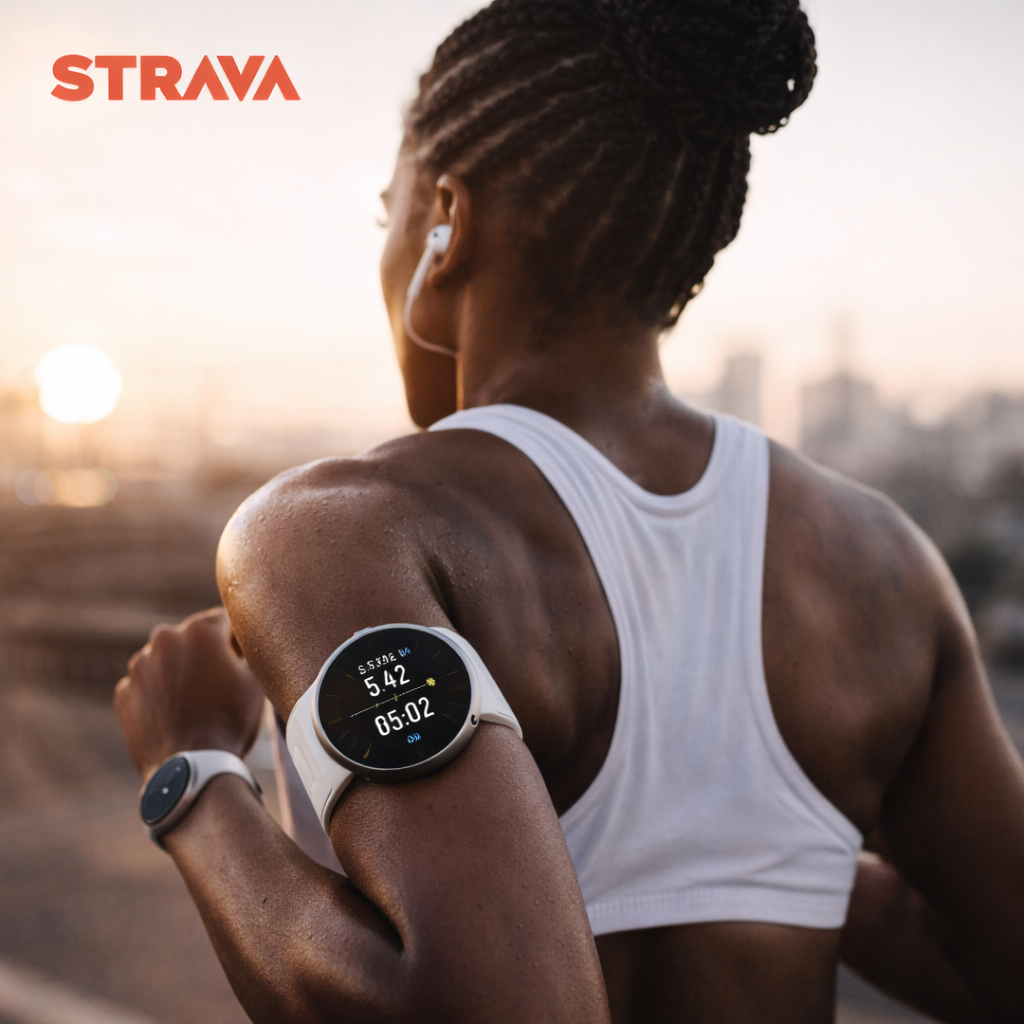
Strava
Training platform for runs, rides, and workouts with performance stats and activity history.
Get started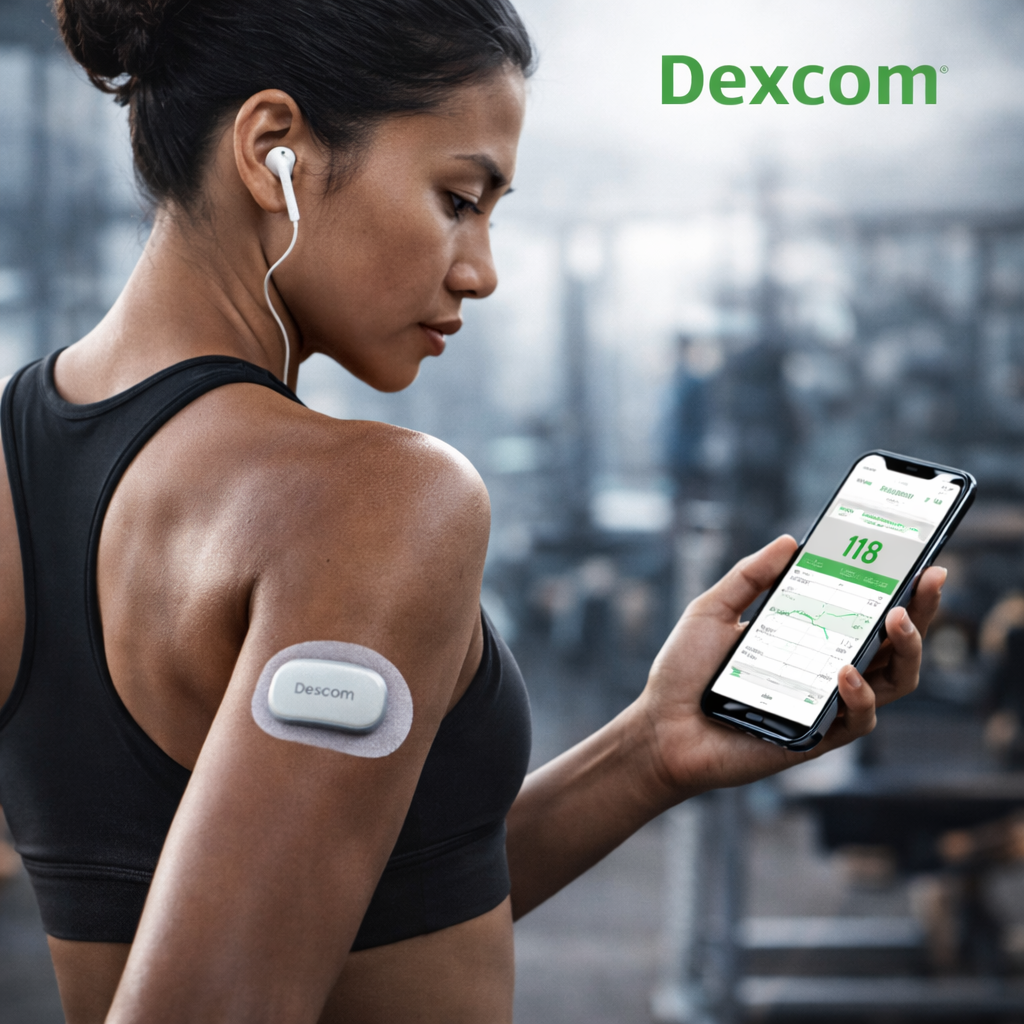
Dexcom
Continuous glucose monitor that streams real-time glucose and trend data.
Get started
Mywellness
Technogym Mywellness for gym sessions, equipment workouts, and training programs.
Get startedPreferred Data Sources
Choose which source drives each activity metric
Raw imports are still retained. These preferences control which source the app and AI use when values overlap.
Sleep
Choose the connected source that should be treated as authoritative for this metric.
Steps
Choose the connected source that should be treated as authoritative for this metric.
Distance
Choose the connected source that should be treated as authoritative for this metric.
Calories
Choose the connected source that should be treated as authoritative for this metric.
Active Duration
Choose the connected source that should be treated as authoritative for this metric.
Heart Rate
Choose the connected source that should be treated as authoritative for this metric.
Resting Heart Rate
Choose the connected source that should be treated as authoritative for this metric.
HRV
Choose the connected source that should be treated as authoritative for this metric.
SpO2
Choose the connected source that should be treated as authoritative for this metric.
Weight
Choose the connected source that should be treated as authoritative for this metric.
BMI
Choose the connected source that should be treated as authoritative for this metric.
Blood Pressure
Choose the connected source that should be treated as authoritative for this metric.
Glucose
Choose the connected source that should be treated as authoritative for this metric.
VO2 Max
Choose the connected source that should be treated as authoritative for this metric.
Water
Choose the connected source that should be treated as authoritative for this metric.
Temperature
Choose the connected source that should be treated as authoritative for this metric.